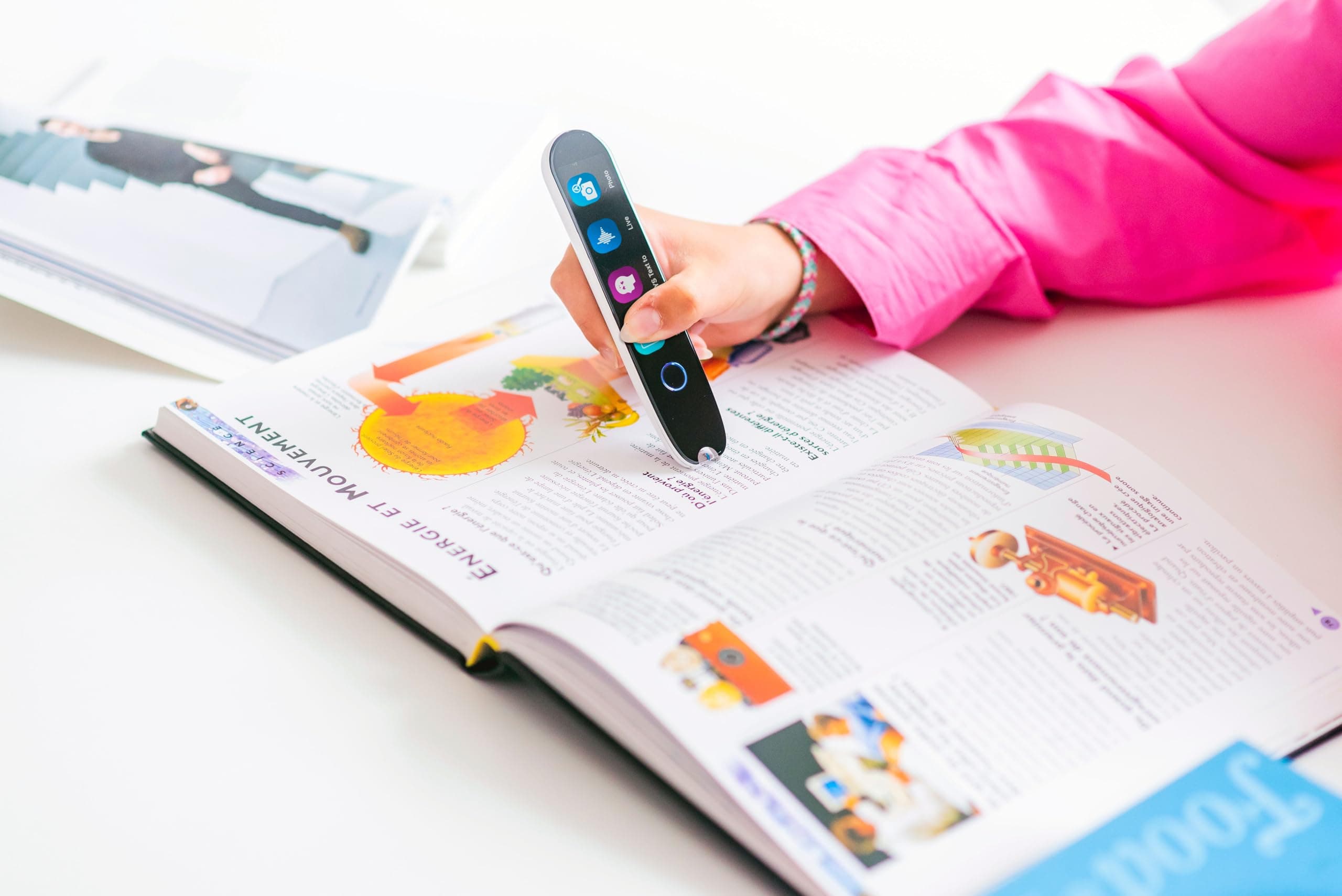
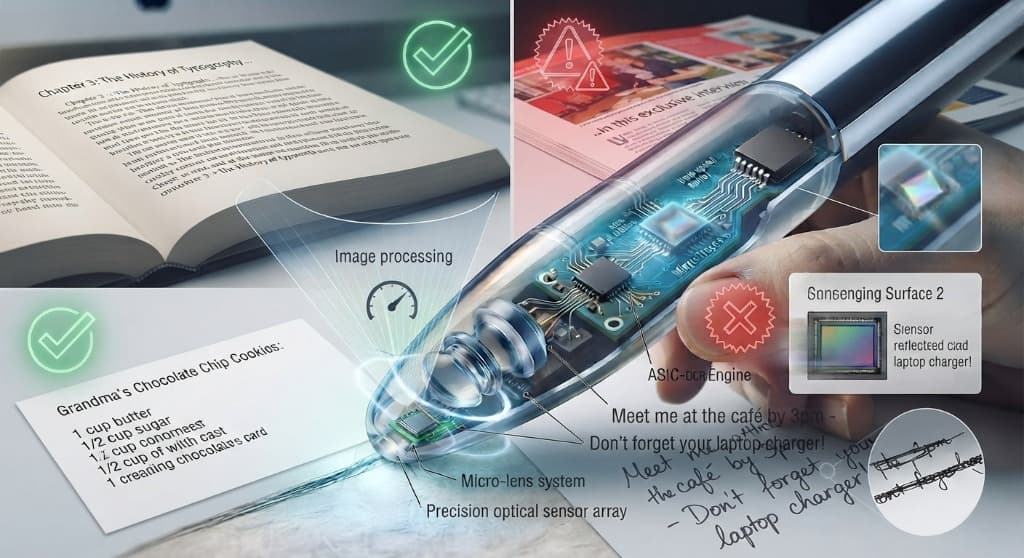
Scanmarker Max is the top-ranked reading pen for dyslexia in 2026, based on decoding support, standalone use, and exam compliance — followed by the Scanmarker Max Bundle (for structured phonics practice) and C-Pen Reader 3 (a close standalone alternative). The full ranking below explains why, and which pen fits which student.
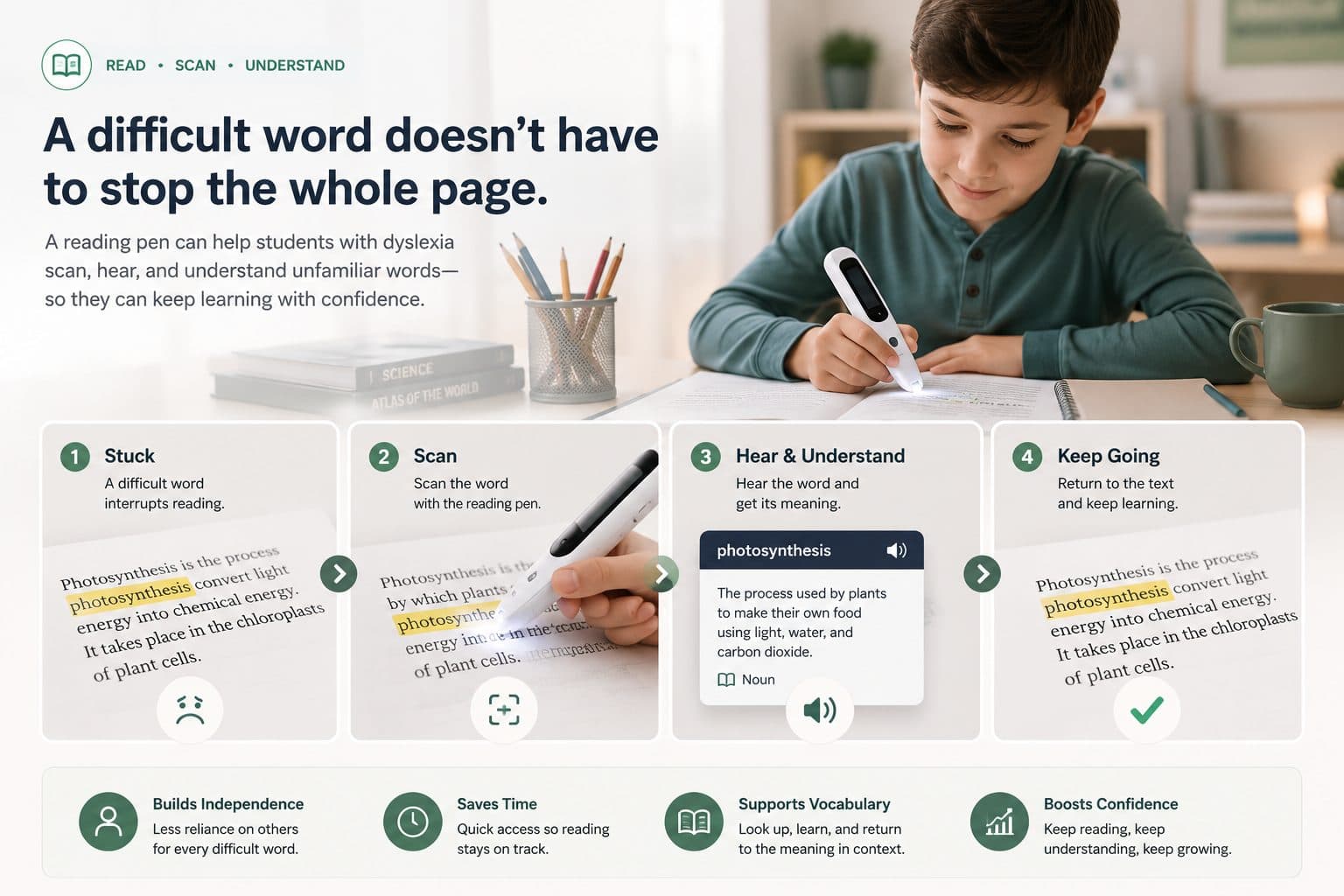
Dyslexia affects roughly 1 in 5 students. For most of them, the bottleneck is not intelligence or comprehension — it is decoding. The time and mental energy it takes to decode individual words leaves nothing left for understanding the broader text. Reading pens close that gap by providing instant read-aloud, decoding support, and (in the best devices) explicit phonics instruction.
But not every reading pen is built for dyslexia specifically. Some are general-purpose OCR scanners. Some are translation tools. Only a few are designed with structured-literacy principles at the core. Here is the honest 2026 ranking of every pen worth considering — and the matching guide that tells you which one fits your student.
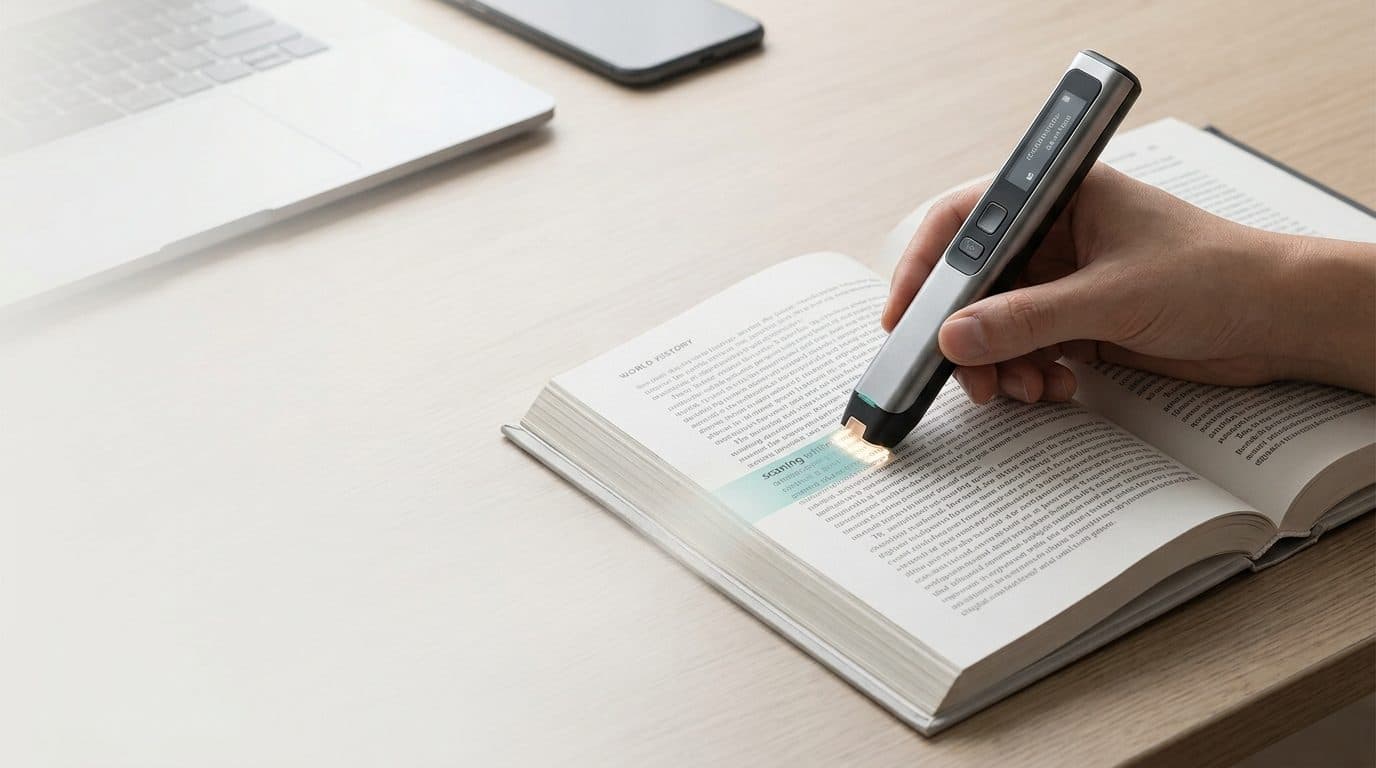
How we ranked them
Five criteria, in order of weight:
- Decoding support — Does the pen actively help with phonics, syllabification, and word breakdown, or just read words aloud?
- Standalone vs. connected — Can the student use it without a phone or tablet?
- Exam compliance — Can it be locked down for standardized tests?
- Build quality and reliability — Will it survive a year of K-12 backpack life?
- Total cost of ownership — Purchase price, service, and the cost of any required accessories.
A note on transparency: Scanmarker makes some of the pens on this list. We have tried to be honest about where competitors win — see the C-Pen and OrCam entries below. If a different pen is right for your student, we would rather you buy that one than the wrong Scanmarker.
1. Scanmarker Max — best overall for K-12 dyslexia accommodation
Best for: K-12 students with diagnosed dyslexia who need phonics support alongside read-aloud.

Scanmarker Max
The most powerful standalone reading pen — no phone or computer required.
~$299
View Scanmarker Max →The Scanmarker Max is the only pen on this list with a built-in phonics module that breaks each scanned word into phonemes and syllables on its display. That single feature transforms the device from "accommodation" to "instructional tool" — exactly the structured-literacy pairing the research supports. Add exam-lock mode for standardized testing and web app sync for the IEP team, and the Max is the default recommendation for K-12.
Strengths: Phonics module, exam-lock mode, fastest OCR in class, web app sync, 100+ language translation, ~$299.
Weaknesses: Standalone form factor means no integration with iPad-based literacy software unless paired separately.
The Scanmarker Max is the most-requested reading pen for K-12 special ed.
Shop the Max →
2. Scanmarker Pro — best connected pen
Best for: Students who already work in a tablet- or laptop-based note-taking environment.

Scanmarker Pro
The connected reading pen trusted by students and professionals.
~$249
View Scanmarker Pro →The Scanmarker Pro pairs with a phone, tablet, or laptop via Bluetooth and drops scanned text wherever the user's cursor is. For students who use Google Docs, OneNote, or Notion as their primary study environment, the Pro fits the workflow instead of forcing a new one. It also supports translation in 100+ languages, which makes it a strong pick for ELL students with overlapping dyslexia diagnoses.
Strengths: Direct text export to any note app, on-pen display, ~$249.
Weaknesses: Requires a paired device — not ideal for exam day or for younger students.
3. Scanmarker Air — best for adults and travel
Best for: Adult learners, college students, and frequent travelers.

The Scanmarker Air is the lightest, most discreet pen Scanmarker makes — pocket-sized, Bluetooth-paired, all-day battery. It has the same OCR and translation engine as the Pro but in a more elegant form factor. It is our top recommendation for adults with dyslexia who want read-aloud support without anyone in a meeting noticing.
Strengths: Discretion, portability, 100+ language translation, ~$199.
Weaknesses: No on-pen display means the user always needs a paired screen nearby.
4. C-Pen Reader 3 — best legacy option
Best for: Districts that already standardized on C-Pen and have a fleet to support.
The C-Pen Reader 3 is a competent standalone reading pen — built-in screen, built-in speaker, no phone required. It has been around long enough that procurement officers know the brand, and that institutional inertia is real. If your district is already running on C-Pen and the warranty pool is healthy, there is no urgent reason to switch.
Strengths: Known brand, simple interface, good build quality, ~$329.
Weaknesses: No phonics module, narrower translation library, no cloud sync, more expensive than the Scanmarker Max.
5. OrCam Read — best for severe visual processing challenges
Best for: Students who need reading support for entire pages or paragraphs at a time, not selective scanning.
OrCam Read uses a small camera mounted on a handheld device to capture and read entire blocks of text. It is more expensive than any pen on this list (~$1,990) but uniquely suited to users who cannot fluently track lines of text with a pen tip. For students with significant visual processing differences alongside dyslexia, OrCam Read may be the right call.
Strengths: Whole-block capture, no pen-tip tracking required.
Weaknesses: Price, form factor, no phonics support.
6. ReaderPen by Scanning Pens — international option
Best for: UK and EU institutions with existing Scanning Pens procurement relationships.
ReaderPen is functionally similar to the C-Pen Reader 3 — standalone, scan-to-read, built-in screen. It is more visible in UK and EU markets than in the US. If your institution is European and your suppliers already work with Scanning Pens, ReaderPen is a reasonable choice.
Strengths: Strong EU presence, classroom-tested.
Weaknesses: Similar feature limits to C-Pen — no phonics, no cloud sync.
7. Scanmarker PAL — best for K-3 readers
Best for: Early elementary students who are just beginning to read.
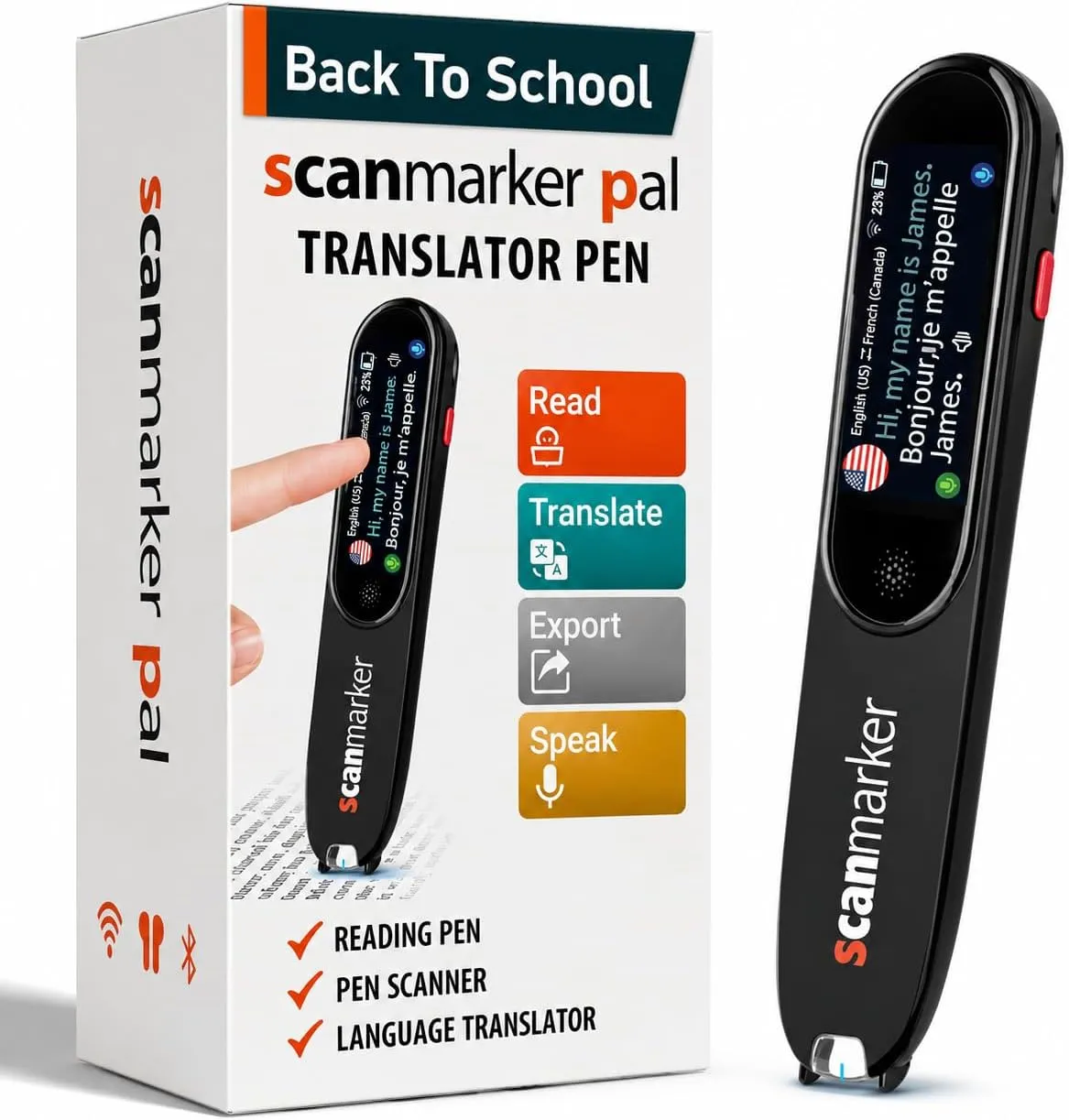
Scanmarker PAL
Phonics And Literacy — built for early and struggling readers.
~$179
View Scanmarker PAL →The Scanmarker PAL is the only pen on this list built specifically for K-3 learners. The form factor is friendlier, the interface is simpler, and the read-aloud voice is tuned for younger ears. For Reading Recovery, Tier 2 intervention, and home practice with early readers, the PAL is purpose-built.
Strengths: Age-appropriate design, kid-safe interface, ~$179.
Weaknesses: Not the right pen for middle or high school students.
8. IrisPen Air 7 — niche document digitization
Best for: Adults who primarily want OCR for note-taking, not read-aloud.
The IrisPen is more of a document-scanning tool than a reading aid. It does include read-aloud, but the primary use case is digitizing text. For students with dyslexia, this is not the strongest pick — but for an adult researcher who wants OCR alongside basic TTS, it is a legitimate option.
Strengths: Strong OCR for niche fonts, decent battery.
Weaknesses: Read-aloud is a secondary feature, no phonics, modest translation support.
9. Wizcom Quicktionary — budget option
Best for: Buyers on a tight budget who only need single-word lookup.
The Wizcom is one of the oldest reading pens on the market. It captures single words rather than full lines, which limits its usefulness for reading comprehension. We do not recommend it as a primary accommodation, but it is a reasonable budget pick for vocabulary practice.
Strengths: Low price (~$129), simple operation.
Weaknesses: Word-by-word only, dated interface, no exam-day features.
10. Smartphone OCR apps (Microsoft Lens, Google Lens, Speechify)
Best for: A backup, not a primary accommodation.
Smartphone OCR apps are powerful, free, and already in your pocket. But they share three limitations that disqualify them as primary classroom accommodations: phones are banned in many classrooms, camera-based OCR is slower than pen-based capture in practice, and the social cost of holding up a phone to read is real for adolescent students. Use them as backup tools, not as your IEP recommendation.
Decision guide
| Student profile | Recommended pen |
|---|---|
| K-12 with diagnosed dyslexia | Scanmarker Max |
| K-3 early reader | Scanmarker PAL |
| College student with dyslexia | Scanmarker Pro or Air |
| Adult learner, discretion matters | Scanmarker Air |
| Significant visual processing challenges | OrCam Read |
| Existing C-Pen fleet, no budget for transition | C-Pen Reader 3 |
| Vocabulary practice only, budget constrained | Wizcom Quicktionary |
What to pair with the pen
A reading pen is a tool, not a complete intervention. Pair it with structured-literacy curriculum, classroom read-aloud routines, audiobooks for whole-text exposure, and (where appropriate) a literacy software platform. The dyslexia solutions hub walks through full classroom and home setups.
For procurement paths, K-12 schools and districts should look at the schools & districts solutions page — including ClassWallet eligibility and free-trial options.
The right reading pen changes a student’s relationship with reading.
See the full lineup on our products page, or compare specs side-by-side on /products/compare. Shop PenScanner →
What customers are saying about the Scanmarker Max
★★★★★
“This reading pen is such a blessing to have found and worth the price for sure. My husband lost a lot of his sight a year ago and it has been hard for him to adapt to having to ask me to read things to him. He likes to study his Bible but is also hard of hearing so tapes were not really a great option for him — and with this pen he can now ‘read’ the text in his Bible and study verses without having to ask me to read it for him.”
— Customer Review · January 24, 2026
★★★★★
“If a highlighter, a personal assistant, and a pocket translator had a very intelligent baby… it would be the Scanmarker Max. You simply glide it over printed text and boom, the words instantly appear on your screen. Super accurate scanning. Text-to-speech feature: Amazing for reading support, multitasking, or when your eyes just need a break.”
— BK · January 4, 2026
A reading pen is one part of the plan
Instruction and assistive technology aren’t competing approaches — a reading pen works best alongside explicit phonics teaching, not instead of it. The pen closes the gap in the moment; the instruction builds the skill over time.
Tagged
- dyslexia
- reading pen
- buyer's guide
- assistive technology
- IEP
- special education
- comparison
See the full solution
Dyslexia solutions hub
Need a pen for homework tonight — or a district quote?