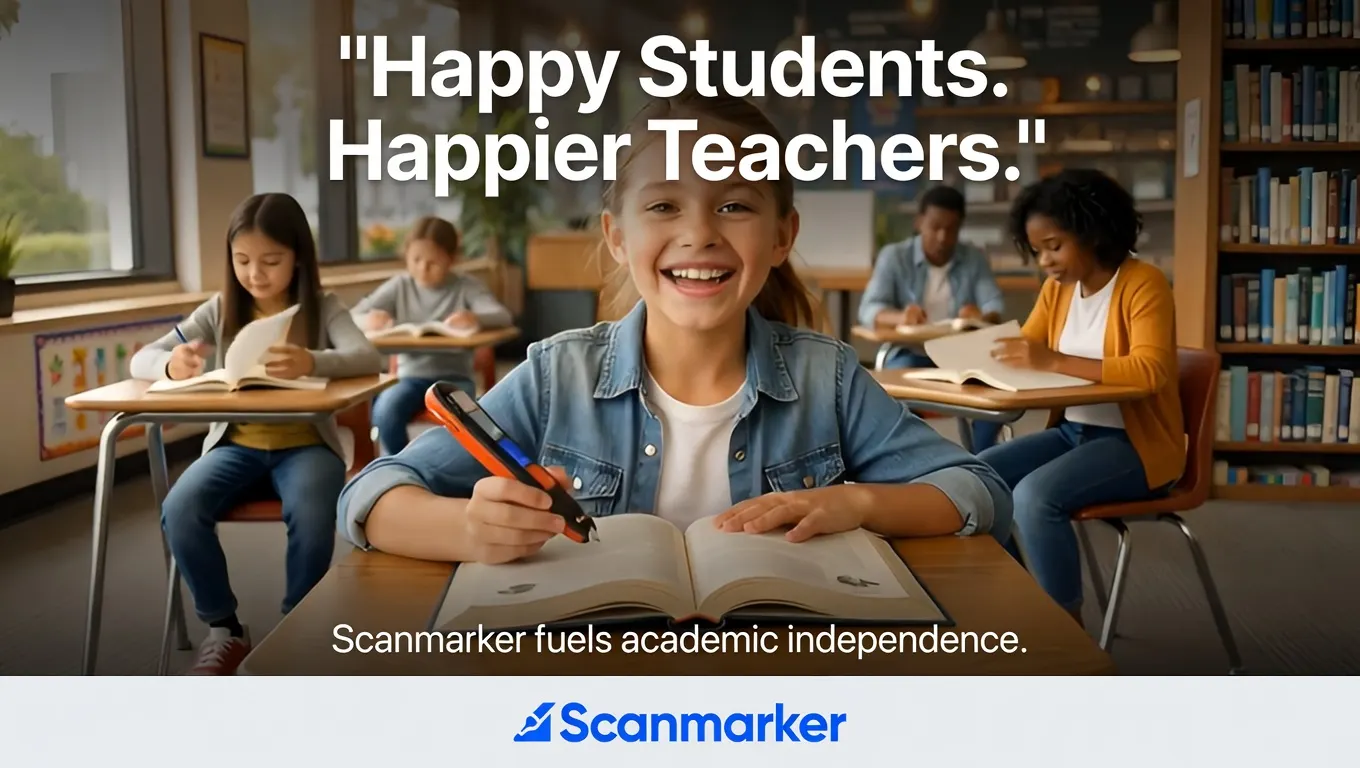
A district doesn't need one accommodation tool for every situation — it needs a device that fits into existing budget categories, satisfies compliance requirements, and works for the range of students who actually need reading support, from a K-2 struggling reader to a 1:1-device high schooler with an accommodation plan. Here's what to actually evaluate before a scanner pen shows up in a purchase order.
The school-ready models
| Model | Price | Setup | Best fit |
|---|---|---|---|
| Scanmarker Max Bundle | $319 | Standalone, no IT needed | The district-recommended pick for IEP/504 and structured literacy support |
| Scanmarker Max | $299 | Standalone, no IT needed | Same core reading support without the phonics card set |
| Scanmarker Pro | $249 | Connected, pairs to student's issued device | Best fit for 1:1 device classrooms that already manage a laptop or tablet per student |
What a purchasing officer actually needs to know
No laptop, no IT overhead — for the standalone models. Max and Max Bundle work independently of the school's device fleet. No app to push through an MDM, no login, no software update cycle for IT to own. For a district weighing a device that has to be supported by an already-stretched IT team, that's the practical difference between "one more thing to manage" and "hand it to the student and go."
Exam-lock mode matters for accommodation compliance. When a reading pen is written into a student's accommodation plan for use during testing, exam-lock mode disables translation and dictionary lookup so the pen only reads text aloud — nothing more than the approved accommodation. Max and Max Bundle include this; it's worth confirming with any vendor whether their pen has an equivalent before a testing season depends on it. See our IEP/504 reading accommodations guide for how this typically gets written into a plan.
Funding sources to actually check current eligibility on, not assume: IDEA Part B, Title I, Title III, and state-level assistive technology grant programs are the current-cycle funding paths worth checking against your district's specific allocation — funding rules and deadlines shift year to year, so confirm current eligibility with your district's finance office rather than relying on any vendor's general claim, including ours. Our who pays for assistive reading technology breakdown covers this in more depth.
Procurement mechanics. Purchase order, Net-30 terms, and W-9 documentation are standard for this category — ask any vendor directly whether they're set up as an approved vendor for your specific procurement platform (e.g., ClassWallet or your state's equivalent) before assuming compatibility. See pricing for schools for our current procurement terms.
FERPA and COPPA. A standalone reading pen with no login, no account, and no data leaving the device during normal reading use is generally the simplest profile from a student-data-privacy standpoint — but confirm this in writing from any vendor for your district's compliance file rather than taking it as given.
Max Bundle vs. Max vs. Pro — the actual decision tree
- Student has an IEP/504 specifying structured literacy support: Max Bundle.
- Student needs reading support without a specific phonics-content requirement: Max.
- Classroom already issues a laptop or tablet per student (1:1 device program): Pro — it pairs with the device already in the student's hands rather than adding a second standalone tool.
Questions to ask before you sign
- Does this pen require Wi-Fi or a paired device for basic read-aloud functionality?
- Is there an exam-lock or equivalent testing mode, and how is it activated/verified by staff?
- What is the actual current funding source eligibility for this device category in our state?
- What does procurement documentation (W-9, Net-30 terms, vendor registration) look like for our platform?
- What data, if any, leaves the device during normal use, and does that meet our FERPA/COPPA obligations?
For the parallel comparison built for families rather than purchasing officers, see best reading pens for dyslexia.
Frequently Asked Questions
Do school scanner pens need Wi-Fi or a school-issued device?
Not the standalone models — Max and Max Bundle work independently with no Wi-Fi, login, or paired device required. Pro is a connected model built specifically to pair with a student's existing 1:1 device.
What funding sources can cover a scanner pen purchase?
Current-cycle options worth checking against your district's allocation include IDEA Part B, Title I, Title III, and state assistive technology grant programs. Confirm current eligibility and deadlines with your finance office, since funding rules change year to year.
Is there a testing accommodation mode for exams?
Max and Max Bundle include an exam-lock mode that disables translation and dictionary features so the pen only reads text aloud — the level of support typically approved for standardized testing accommodations. Confirm your specific accommodation language with your compliance team.
Which model fits a 1:1 device classroom?
Pro, since it's built to pair with the laptop or tablet already issued to each student rather than functioning as a second standalone device.
Tagged
- schools
- procurement
- IEP/504
See the full solution
Scanmarker for Schools & Districts
Need a pen for homework tonight — or a district quote?