Retyping printed text—whether a 50-word contract clause, an archival reference paragraph, an alphanumeric invoice ID, or a line of financial figures—is the quintessential productivity trap of modern office work.
Research published by the Harvard Business Review on knowledge-worker time utilization consistently reveals that routine, manual transcription accounts for up to 18% of administrative overhead in data-intensive professions like law, accountancy, medicine, and academic research. Beyond the pure time wasted, manual typing introduces cognitive fatigue, breaks concentration, and carries an average manual data entry error rate of 1% to 4%.
A dedicated scanning pen for work eliminates this friction entirely. Shaped like an ergonomic highlighter, the device glides across any printed document, instantly recognizing text via high-speed Optical Character Recognition (OCR) and streaming editable text directly to wherever your cursor is focused—at rates of up to 3,000 characters per minute (approx. 40 to 60 words per second).
Whether you are extracting citations from bound reference volumes, entering serial numbers into an ERP, or reviewing foreign-language agreements, this comprehensive guide compares the best professional pen scanners in 2026 and outlines how to integrate them into daily operations.
Quick Comparison: The 2026 Professional Work Lineup
| Model | Architecture | Price | Connection | OCR Speed | Offline / Standalone | Best Professional Scenario |
|---|---|---|---|---|---|---|
| Scanmarker Air | Connected Peripheral | $169 | Bluetooth 5.0 + USB-C | ~3,000 CPM | Needs paired device | The top pick for mobile executives, lawyers, and laptop users |
| Scanmarker USB | Connected Peripheral | $79 | Wired USB-C / USB-A | ~3,000 CPM | Needs paired PC/Mac | Locked-down IT machines, banking, healthcare & front-desk kiosks |
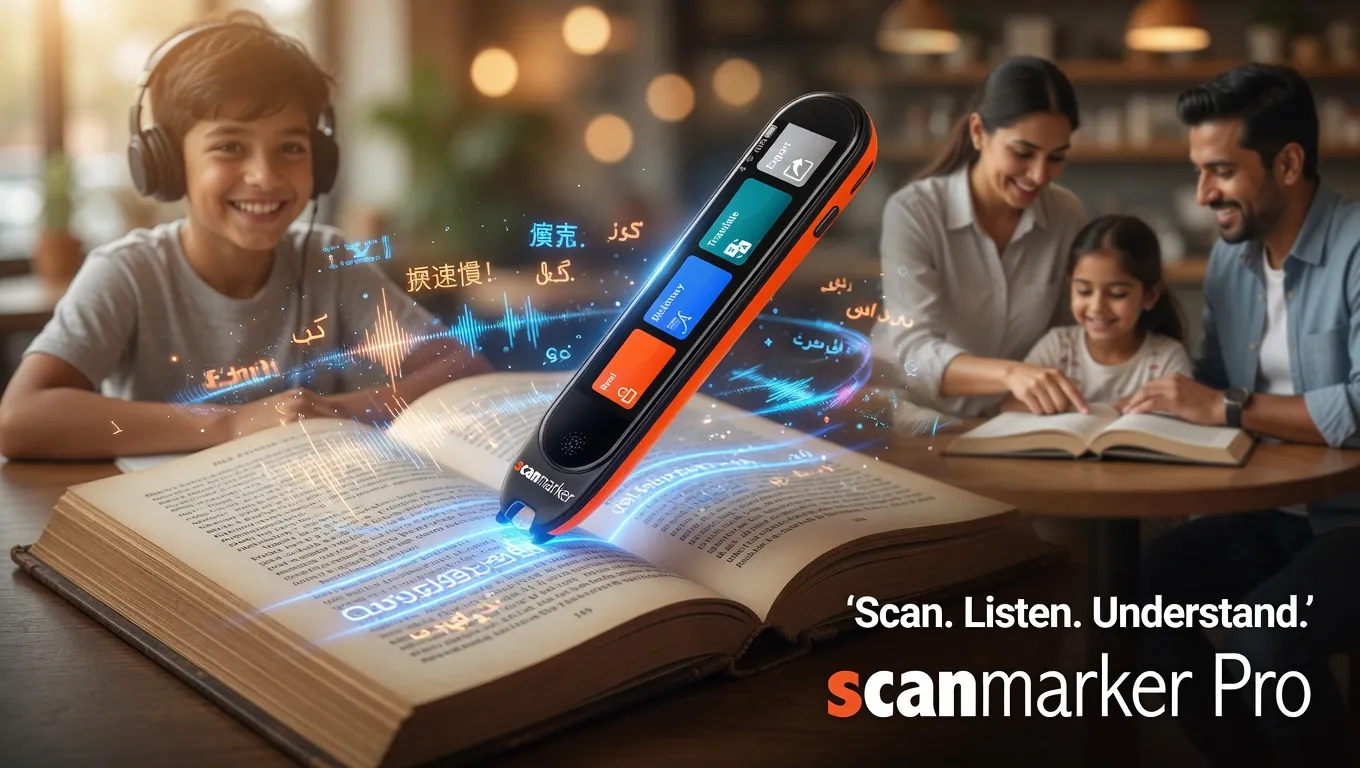
| Scanmarker Pro | Connected Peripheral | $249 | BLE + Multi-OS App | ~3,000 CPM | 112 Online Languages | Enterprise fleet deployments with corporate tablets / Chromebooks |
| Scanmarker Max | Standalone All-in-One | $299 | Standalone + Touchscreen | ~2,800 CPM | 100% Offline (30 langs) | Field audits, job sites, traveling consultants & confidential review |
| C-Pen Connect | Connected Peripheral | ~$170 | Bluetooth 4.0 | ~2,400 CPM | Needs paired device | Alternative mobile companion for multi-platform study & work |
Why a Scanning Pen Is an Essential Productivity Tool (Not a Novelty)
Unlike flatbed scanners, smartphone photo apps, or multi-function office copiers, a scanning pen is built for selective micro-capture. When you need three specific sentences from a 400-page lease agreement, opening a mobile camera app, snapping a photo, cropping the margins, waiting for cloud processing, and emailing the text to yourself takes 90 seconds. A scanning pen accomplishes the same task in under 2 seconds.
1. Zero-Friction Keystroke Emulation
Connected models like the Scanmarker Air and Scanmarker USB function via standard Human Interface Device (HID) emulation. The software types the recognized characters directly into whatever desktop or cloud application currently holds cursor focus:
- Microsoft Word, Excel, PowerPoint, and Outlook
- Google Docs, Sheets, and Gmail
- Notion, Obsidian, Evernote, and OneNote
- Web-based enterprise ERPs (SAP, NetSuite, Salesforce)
- Legal document management platforms (Clio, Relativity)
There is no proprietary document repository to sync, no file conversion steps, and no separate window required. If you can place your cursor in a text field, the pen can write into it.
2. High-Accuracy Multi-Font Recognition
Modern workplace scanning pens employ specialized neural OCR engines trained on thousands of standard business typefaces (Arial, Times New Roman, Calibri, Georgia, Garamond, Helvetica) across sizes ranging from 6pt to 24pt. Even curved lines on thick bound books, glossy paper stocks, and high-density financial matrices are decoded with >99% character accuracy.
3. Immediate Text-to-Speech Proofing
For contract review and proofreading, hearing scanned clauses spoken aloud in real time helps professionals catch grammatical errors, missing qualifiers, and ambiguous phrasing that the eyes naturally skim over during silent reading.
Detailed Model Breakdown: Choosing the Right Pen for Your Desk
1. Scanmarker Air ($169): The Modern Wireless Standard
For professionals working on modern ultrabooks, MacBooks, iPads, or dual-monitor workstations, the Scanmarker Air is the default industry choice.
- Seamless Bluetooth Freedom: Pairs automatically over Bluetooth Low Energy (BLE) with zero latency. You can scan lines from a thick legal treatise sitting across your desk without cumbersome cables tangling around your keyboard.
- Cross-Platform Compatibility: Operates smoothly across macOS, Windows 10/11, iOS, Android, and Chromebooks via the unified Scanmarker desktop and web applications.
- All-Day Battery Endurance: A single USB-C charge powers up to 7 hours of continuous scanning (several weeks of typical intermittent office note-taking).
- Lightweight Ergonomics: Weighing just 28 grams, the pen mimics a standard dry-erase highlighter, reducing wrist strain for professionals who review documents for hours.
Best For: Attorneys, management consultants, graduate students, research analysts, and remote professionals who want wireless speed across laptops and mobile devices.
2. Scanmarker USB ($79): The Zero-IT-Friction Workhorse
Many corporate environments—such as commercial banks, defense contractors, government agencies, and hospital networks—enforce strict cybersecurity protocols. Wireless Bluetooth pairing may be disabled by group policy, and third-party wireless devices may trigger security alerts.
- Direct Plug-and-Play Simplicity: The Scanmarker USB connects directly via a braided USB cable. It draws power straight from the port and communicates over secure, wired hardware channels.
- Budget-Conscious Deployment: At nearly half the price of wireless alternatives, companies can easily equip entire administrative departments, paralegal pools, and data entry teams.
- Zero Battery Management: Always ready to scan without needing recharging.
Best For: Corporate workstations, medical records departments, financial compliance desks, reception kiosks, and locked-down enterprise hardware.
3. Scanmarker Max ($299): The Standalone Field & Review Tool
While the Air and USB models require an active computer screen to receive text, the Scanmarker Max is a complete, self-contained computer in a pen.
- Integrated High-Resolution Color Touchscreen: Displays recognized text immediately as you scan.
- 100% Offline OCR & Translation: Translates printed text across 30 languages completely offline—zero Wi-Fi, zero cloud transmission, and zero data leakage.
- Audio Output & Voice Memos: Built-in high-clarity speaker, 3.5mm headphone jack, and Bluetooth audio for private listening in public spaces.
- Certified Confidentiality: Because it does not upload scans to external cloud servers in offline mode, it complies with strict client confidentiality, attorney-client privilege, and HIPAA guidelines.
Best For: Field auditors, traveling executives, international trade specialists reviewing foreign contracts, and professionals reviewing sensitive printed materials outside the office.
Real-World Workflows: How Professionals Save Hours Weekly
Traditional Workflow (Manual Retyping):
[Physical Document] ➔ [Look down at page] ➔ [Type 4 words] ➔ [Look up at monitor] ➔ [Fix typo] ➔ [Repeat] ➔ 45-60 seconds per paragraph

Scanning Pen Workflow (Direct OCR Streaming):
[Physical Document] ➔ [Glide Pen across text] ➔ [Instant text in Word / Excel] ➔ 2-3 seconds per paragraph
Workflow 1: Legal Brief Drafting & Contract Due Diligence
Attorneys and paralegals routinely draft briefs requiring exact quotation of statutory codes, case precedents, and opposing party affidavits. Rather than manually transcribing citations or retyping paragraphs from hardcopy deposition transcripts, legal teams scan text directly into Microsoft Word drafts or CaseNotebook. The pen eliminates typographical errors in case citations, dates, and docket numbers.
Workflow 2: Financial Ledger Entry & Invoice Processing
In accounting departments, reconciling physical vendor packing slips, paper invoices, and shipping manifests against accounting software (QuickBooks, SAP) requires intensive numerical entry. With a scanning pen, accounts payable staff sweep invoice numbers, PO codes, and line totals directly into Excel grid cells, cutting processing time by 70% and preventing costly decimal transposition errors.
Workflow 3: Academic & Scientific Literature Reviews
Graduate researchers, professors, and policy analysts read dozens of non-digitized books, historic archives, and peer-reviewed journals weekly. The scanning pen enables rapid note compilation: researchers highlight key arguments, which immediately populate reference databases (Notion, Zotero, Obsidian) complete with page numbers, ready for synthesizing literature reviews.
Workflow 4: Bilingual Negotiations & International Commerce
Global supply chain managers and import/export specialists frequently receive physical shipping documentation, customs declarations, and technical specifications in non-native languages. Using the Scanmarker Max or Scanmarker Pro, users scan unfamiliar foreign passages and instantly view English translations and definitions on screen or hear them spoken aloud in real time.
Enterprise IT Security & Deployment Checklist
When evaluating scanning pens for corporate procurement, IT and security compliance directors should review these key parameters:
- Local Data Processing: Scanmarker desktop software runs local OCR algorithms on the host machine. Scanned text streams directly to local memory buffers without sending document images to third-party public cloud servers.
- NIST SP 800-121 Compliance: Wireless models utilize Bluetooth Low Energy 5.0 with standard 128-bit AES encryption, complying with federal guidelines for personal computing peripherals.
- Driverless Installation Options: For locked-down environments where installing third-party
.exeor.dmgpackages requires elevated administrator privileges, the Scanmarker Web App runs directly inside modern web browsers (Chrome, Edge) via the WebHID/WebBluetooth standard API. - Volume Procurement & MDM Support: Schools and enterprise offices ordering multi-unit deployments can centrally manage licenses and configure devices through custom deployment profiles.
Frequently Asked Questions
Does a scanning pen for work require specialized software to receive text?
No. Models like the Scanmarker Air and Scanmarker USB function via universal keyboard emulation. Once connected, they stream text directly into whatever application holds your cursor—including Microsoft Word, Excel, Google Docs, Slack, email drafts, CRM platforms, and custom ERP web portals.
What is the primary difference between Scanmarker Air and Scanmarker USB?
The difference is physical connectivity and operating environment. The Scanmarker Air connects wirelessly via Bluetooth 5.0 (with optional USB-C cable mode), giving you freedom of movement across laptops, iPads, and smartphones. The Scanmarker USB is a dedicated wired device that connects via USB-A/C; it requires no battery charging and is ideal for strictly regulated corporate workstations where Bluetooth pairing is restricted by IT security policies.
Can a scanning pen capture numbers and tables into Microsoft Excel?
Yes. In the companion software settings, you can configure the scanning pen to append an automatic Tab or Enter command after each scan. This allows you to scan an invoice number, have the cursor jump to the next cell automatically, scan the dollar amount, and continue down the column without touching your keyboard.
Can a scanning pen read handwritten documents or cursive notes?
No. Like virtually all optical character recognition hardware on the market today, pen scanners are specifically engineered and calibrated for printed typographic text (books, printed forms, laser-printed invoices, magazines). Handwriting recognition is highly inconsistent across the entire hardware category due to variances in personal script, slant, and ink density.
How does the scanning speed compare to professional typing?
A skilled professional typist averages 60 to 80 words per minute (approximately 300 to 400 characters per minute). A scanning pen captures between 2,400 and 3,000 characters per minute (approx. 500 words per minute). For copying quotes, data tables, or reference paragraphs, using a scanning pen is approximately 5 to 8 times faster than manual transcription.
Can I scan text in languages other than English?
Yes. Scanmarker devices support over 100 languages, including Spanish, French, German, Italian, Portuguese, Chinese, Japanese, Korean, Arabic, and Hebrew. The Scanmarker Max handles translation across 30 languages completely offline, while connected models translate across 100+ languages through the desktop and mobile applications.
Does our company IT department need to approve the device?
For standard office environments, the software installs like any standard peripheral. For highly restricted corporate networks (financial services, healthcare, defense), we recommend the wired Scanmarker USB, which behaves as a standard USB Human Interface Device (HID) keyboard, minimizing enterprise security scrutiny.
Reviewed by
David Miller, PMPEnterprise Productivity Consultant & Systems Analyst
David Miller advises legal practices, financial firms, and academic institutions on digital transformation, hardware ergonomics, and administrative workflow automation.
Tagged
- professionals
- productivity
- OCR
- data entry
- office hardware
See the full solution
Scanmarker for Professionals
Need a pen for homework tonight — or a district quote?