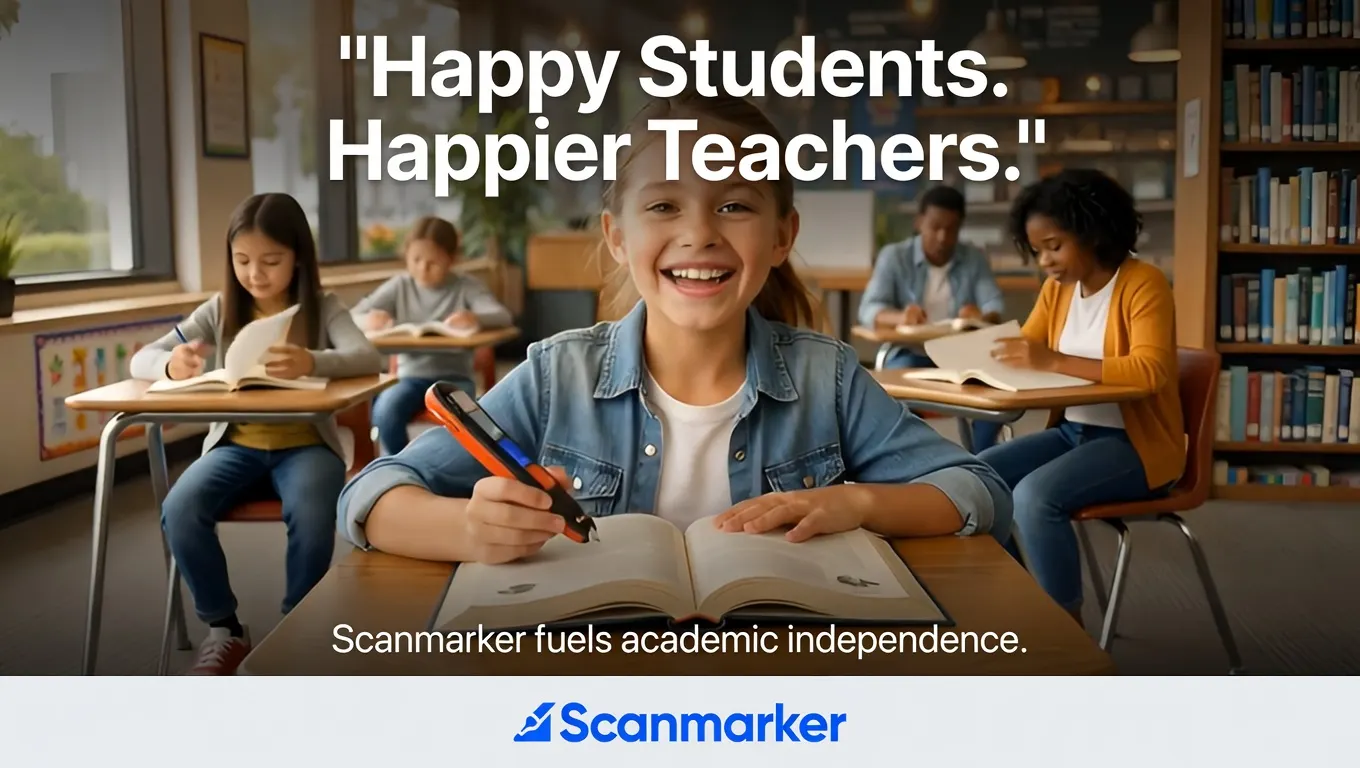
A parent scrolling through search results for help with a struggling reader will run into a wall of overlapping terms — reading pen, pen scanner, digital highlighter, OCR pen, text-to-speech pen. Assistive pen readers is the umbrella term that covers all of them: handheld devices that scan printed text and read it aloud, so a person who struggles to decode print can still access what's on the page independently.
This guide covers what assistive pen readers actually do, the real technical difference between the two device types on the market (standalone vs. connected), and how to match a model to a specific reader — a struggling K-5 student, a dyslexic teenager sitting a timed exam, an English-language learner, or an adult professional working through printed documents.
What Is an Assistive Pen Reader?
An assistive pen reader is a handheld device, roughly the size of a highlighter, that a user glides along a printed line of text. Inside the tip, an optical sensor captures the text, onboard software converts it to digital characters through optical character recognition (OCR), and a speech engine reads it aloud — usually within a second of the pen leaving the page.
The category exists because a large share of printed material — textbooks, worksheets, standardized tests, mail, restaurant menus, museum placards — never gets digitized. A phone-based OCR app can help with some of that, but it requires holding a phone over a page, unlocking a screen, and often an internet connection. A pen reader is built to solve one job: read printed text aloud, on the spot, with nothing else in the way.
Standalone vs. Connected: The One Distinction That Actually Matters
Nearly every practical buying decision about an assistive pen reader comes down to this single question: does it need a phone, tablet, or computer to work?
Standalone pen readers
A standalone pen reader has its own processor, speaker, and (usually) a small screen built into the device. It works with zero connection to any other device — no app, no Bluetooth pairing, no Wi-Fi.
This matters most in two situations:
- Testing and exam accommodations. A device with no internet access and no built-in dictionary is far more likely to be approved for standardized testing, because it can't be used to look anything up — it can only read aloud what's already printed on the page.
- Young or early readers. A child working independently on a worksheet doesn't have a phone in hand, and shouldn't need one.
Scanmarker Max, for example, is a fully standalone model with its own 2.4" color touchscreen, a certified exam-lock mode that disables translation and Wi-Fi features for testing, and a 16-hour battery built for a full school day. Scanmarker PAL is a smaller, more affordable standalone pen built specifically for early and struggling readers, with a simpler high-contrast display and phonics-focused speech.
Connected pen readers
A connected pen reader has no built-in speaker or screen of its own — it pairs with a phone, tablet, or computer over Bluetooth or USB, and the text and audio play through that connected device. In exchange for needing a host device, connected pens are typically smaller, lighter, and cheaper, and can offer a larger dictionary and more online-translation languages since they're borrowing the host device's screen and internet connection.
Scanmarker Pro is a connected pen built around this trade-off: it requires a paired device but supports translation across dozens more languages online than a standalone pen can hold offline, plus a built-in Collins English Dictionary lookup.
In short: if the pen needs to work during a test or in the hands of a young reader with no phone, buy standalone. If the reader already has a phone or laptop within reach and wants maximum language coverage, a connected pen is usually the better value.
Who Actually Uses Assistive Pen Readers
Students with dyslexia
Dyslexia affects decoding — the mechanical process of turning printed letters into sounds — not intelligence or comprehension, as the International Dyslexia Association documents. An assistive pen reader removes the decoding step entirely, so a student's cognitive effort goes toward understanding the material instead of sounding it out. This is the single largest use case for the category — see our best reading pens for dyslexia ranking for a full model comparison.
English-language learners (ELL)
A student who can speak and think in a second language often hits a wall with printed academic vocabulary in a new one. Pen readers with built-in or connected translation let a student scan an unfamiliar word or sentence and hear it in a language they already understand, without leaving their seat or interrupting the class.
K-5 classrooms and reading intervention
Early and struggling readers benefit from hearing a word pronounced correctly and immediately, reinforcing phonics instruction in the moment rather than after a teacher becomes available. A simple, durable, standalone pen — without a touchscreen full of settings a young child could get lost in — tends to work best here.
Professionals and adults
Dyslexia doesn't end at graduation. Adults working through printed contracts, reports, or mail use the same core technology, usually favoring a compact connected pen that works with a laptop already open on their desk.
What to Check Before Buying an Assistive Pen Reader
- Testing compliance, if relevant. If the pen needs to be used during a standardized test, confirm with the testing authority or school district that the specific model is approved — a device with a dictionary or internet access is unlikely to qualify, standalone or not.
- Standalone vs. connected, per the breakdown above — this is the decision that determines everything else about how the device fits into daily use.
- OCR speed and font range. Look for a scan speed under roughly a second per line, and confirm the device handles the font sizes and paper types (glossy textbook pages vs. matte worksheets) it'll actually be used on.
- Battery life for a full school or work day. A pen that needs recharging at lunch isn't going to get used consistently.
- Real reviews and return policy, not just a marketing page — assistive technology is a personal fit, and what works for one reader may not suit another.
Frequently Asked Questions
What exactly is an assistive pen reader?
An assistive pen reader is a handheld device that scans printed text using an optical sensor and reads it aloud through built-in or connected text-to-speech, letting someone who struggles to decode print access written material independently.
Do assistive pen readers work without Wi-Fi or a phone?
Standalone models do — they have their own processor, speaker, and usually a screen, and require no other device or internet connection. Connected models need a paired phone, tablet, or computer to display text and play audio.
Are assistive pen readers allowed during standardized tests?
Some are, depending on the testing authority's rules and the specific model — generally, a device must lack internet access and a built-in dictionary to qualify for exam use. Always confirm with the school or testing body before relying on a device during an exam.
What's the difference between an assistive pen reader and a phone OCR app?
A phone OCR app works well for digital-adjacent tasks but requires unlocking a screen, opening an app, and holding a phone steady over a page. A dedicated pen reader is a single-purpose device built to scan and read aloud in one motion, without the distractions or setup a phone introduces — a meaningful difference for a student working independently or during a timed test.
Can an assistive pen reader help with dyslexia specifically?
Yes. By removing the mechanical decoding step, a reading pen frees up the working memory a dyslexic reader would otherwise spend sounding out words, letting them focus that effort on comprehension instead.
Choosing the Right Fit
Assistive pen readers aren't one-size-fits-all, and the standalone-vs-connected split is the fastest way to narrow the field: a young reader or a student who needs exam accommodations is almost always better served by a standalone pen, while an adult or older student who already has a device nearby can get more language and dictionary coverage from a connected one. Whichever category fits, the underlying promise is the same — printed text stops being a barrier the moment the pen touches the page.
Tagged
- Assistive Technology
- Reading Pens
- Dyslexia
- ELL
- Buyer's Guide
See the full solution
Compare Scanmarker Products
Need a pen for homework tonight — or a district quote?