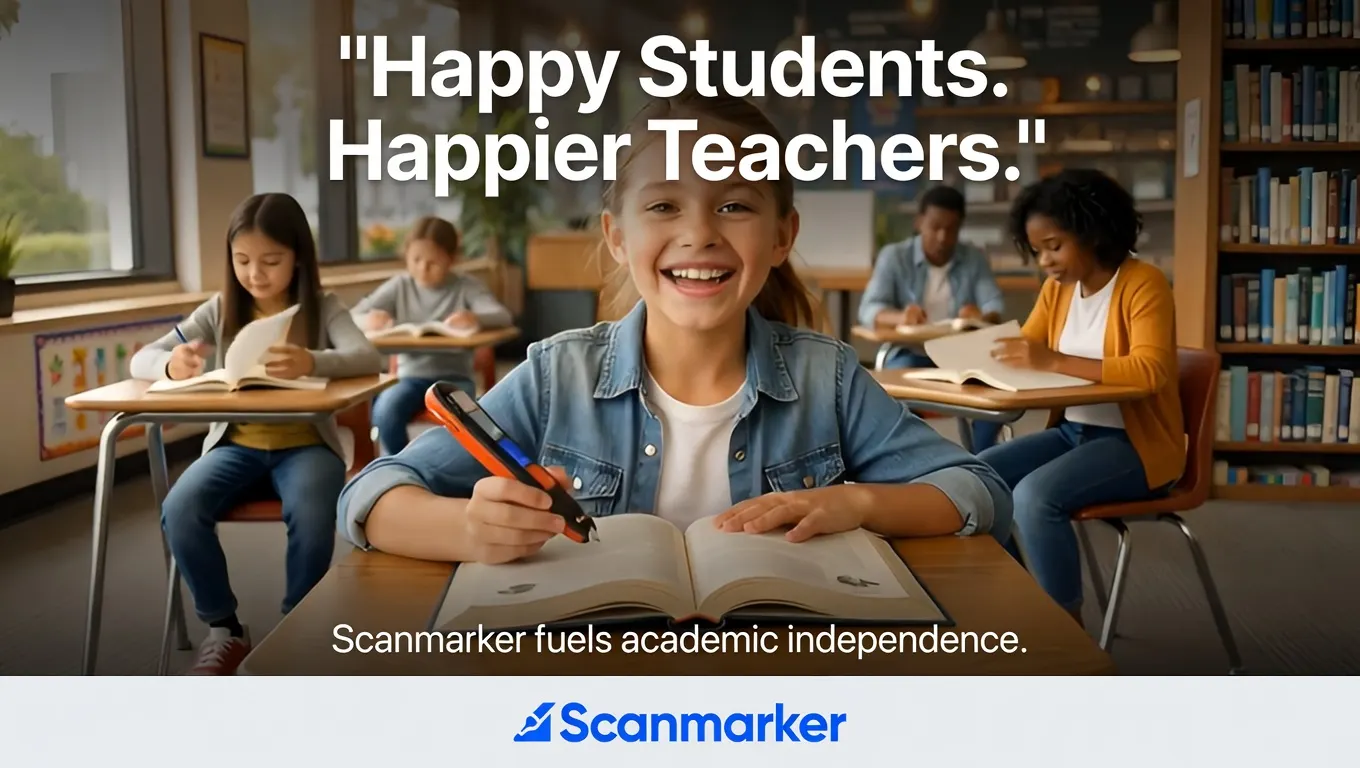
If you teach in a dual-language or two-way immersion program, you know that reading support looks different here than it does in a standard classroom.
Both groups of students — the English-dominant learners reading in Spanish and the Spanish-dominant learners reading in English — face a second-language reading challenge at different points in the day. The same child who reads confidently in their dominant language may struggle significantly with the same text in their second language. The reading barrier is real on both sides.
A reading pen is one of the few tools that addresses this symmetrically — it works for English text and Spanish text, for the English-dominant student in the Spanish content block and the Spanish-dominant student in the English content block. But using it well in a dual-language context requires knowing when to enable translation, when to keep it off, and how to frame it for students and parents in a way that supports bilingualism rather than undermining it.
This guide covers the practical questions.
What's Different About a Dual-Language Classroom (For Reading Support Purposes)
Both Groups of Students Have a Second-Language Reading Challenge
In a standard ESL or ELL classroom, the reading support question is directional: help students access English text. In a dual-language classroom, the challenge runs both ways.
A 90/10 Spanish immersion program delivers 90% of instruction in Spanish, particularly in the early grades. English-dominant students in this model are doing the majority of their reading in a language they're still developing. Meanwhile, in a 50/50 model, both groups of students are regularly reading in their second language.
This creates an unusual situation: the student who "needs reading support" on a given day may be the most academically advanced student in the room, simply because today's reading happens to be in their weaker language. Framing reading support tools as "for struggling readers" misses this — in a dual-language classroom, using a reading pen for second-language text is a language learning strategy, not a remediation.
Bilingualism as a Reading Asset — and the Moments It Hits a Wall
Research consistently shows that bilingual students have significant cognitive advantages — stronger executive function, better metalinguistic awareness, and reading comprehension skills that transfer across languages as their proficiency develops. Bilingualism is an asset, not a deficit.
The reading pen fits this asset-first framing when used correctly: it's a bridge to content in the second language, not a substitute for language development. The goal is always for the student to become an independent reader in both languages. The pen supports that goal in moments when second-language reading difficulty would otherwise block content access entirely.
How a Reading Pen Works in a Dual-Language Setting
The Translation Feature: Bridge or Crutch?
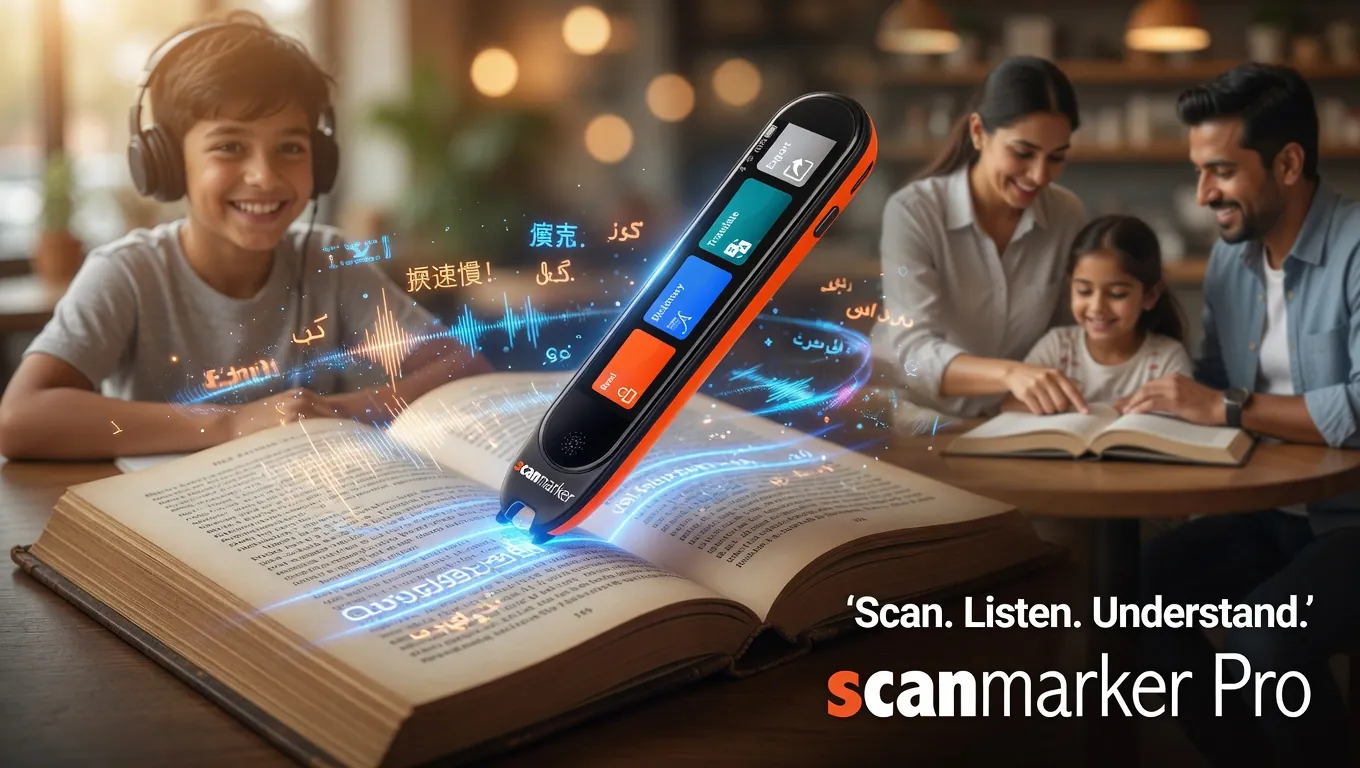
This is the question every dual-language educator asks when they first encounter a reading pen with translation capability. PenScanner supports 60+ languages for text-to-speech and translation — including Spanish, French, Mandarin, Arabic, Portuguese, and many others. When translation is enabled, the student can scan text in one language and hear it translated into another.
Used thoughtfully: translation provides immediate comprehension support in a high-stakes content moment — a student who is stuck on a key concept in their second language can quickly confirm their understanding before moving on.
Used without thought: translation replaces second-language reading entirely, bypassing the very language development the dual-language program is designed to build.
The answer isn't "enable" or "disable" globally — it's a context-dependent decision that teachers in dual-language programs should make explicitly.
The "Try It in L2 First" Protocol
Similar to the "try first" protocol for phonics (covered in our Science of Reading guide), dual-language educators typically find that a structured protocol makes the difference:
- Student reads the text in the target language (L2) first — making a genuine attempt at comprehension.
- If stuck on a word, student scans for TTS in L2 — hears the word pronounced correctly in the target language.
- If the meaning is still unclear after pronunciation, student can enable translation — to confirm understanding before moving on.
- Student returns to the text in L2 — not continuing in L1.
This preserves the second-language reading practice while removing the "stuck" barrier that derails comprehension and disengages learners.
When to Use TTS Only vs. TTS + Translation
| Situation | Recommended setting | Why |
|---|---|---|
| Second-language content reading (comprehension goal) | TTS in L2 only | Supports pronunciation and decoding; keeps student in L2 |
| Content-area task (science, social studies) where content comprehension matters more than language practice | TTS + translation available | Access to content is the priority; language development is secondary in this moment |
| Standardized assessment | Per testing authority — typically TTS only, no translation | Translation features may not be permitted in testing contexts |
| New vocabulary introduction | TTS + translation as a dictionary tool | Knowing L1 equivalent supports L2 acquisition for many learners |
| Independent silent reading in L2 | TTS only with "try first" protocol | Student practices L2 reading; pen available as bridge, not bypass |
Use Cases: English-Dominant Students Reading in Spanish
In a Spanish immersion or 90/10 program, English-dominant students spend significant instructional time reading Spanish text — science textbooks, Spanish readers, bilingual storybooks, printed worksheets.
Where the pen helps most:
- Pronunciation support: Reading pen TTS in Spanish models correct pronunciation — particularly helpful for students whose Spanish reading fluency lags behind their oral Spanish proficiency.
- Decodable Spanish text practice: Spanish phonics is more transparent than English (Spanish spelling is highly regular), but students who haven't yet internalized Spanish decoding patterns benefit from hearing the word read aloud immediately after an attempted decode.
- Content-area Spanish text: In science or social studies delivered in Spanish, the reading pen helps English-dominant students access academic vocabulary they know in English but haven't yet acquired in Spanish — bridging content access without switching the instruction to English.
What to watch for: English-dominant students using the translation feature to hear the Spanish text in English, bypassing the L2 entirely. This defeats the purpose of immersion. If you observe this pattern, redirect to TTS-only mode during Spanish reading time and have a brief conversation about why reading in Spanish — even slowly — is the goal.
Use Cases: Spanish-Dominant (and Other L1) Students Reading in English
In any dual-language program that includes English content blocks, Spanish-dominant learners, recent arrivals, and heritage language speakers reading in English may need reading support for printed English text.
Where the pen helps most:
- English pronunciation support: Many Spanish-dominant students read English text better than they can pronounce it aloud (because English spelling is far less phonetically transparent than Spanish). TTS in English provides an accurate pronunciation model alongside the text.
- English academic vocabulary: Content-area English — the vocabulary of science, math, and social studies — is distinct from conversational English and is often the specific barrier. Scanning unfamiliar English academic words for TTS support keeps content comprehension moving without requiring every unfamiliar word to halt the reading.
- Recently arrived students: For students who are newly arrived and at the beginning stages of English literacy, TTS + translation provides an immediate bridge to comprehension, preventing total exclusion from content while language instruction accelerates.
What to watch for: Over-reliance on translation for students who have strong enough English proficiency to engage with the text in L2 with TTS support alone. Periodic check-ins on whether translation is being used as a bridge or as a bypass are worth building into your routines.
How to Set Up Language Mode for Your Classroom Context
PenScanner devices can switch the active language and enable or disable translation through the device settings or the companion app. A few practical approaches for dual-language settings:
Single language mode during content blocks: During the Spanish content block, set the pen to Spanish TTS and disable translation (or set it to Spanish → Spanish, which gives pronunciation without L1 translation). During the English content block, switch to English TTS.
Let older students manage their own settings: Middle school students in a dual-language program can typically understand the pedagogical reasoning and manage the language settings themselves. A brief explanation of why you're asking them to use TTS-only during some tasks and TTS+translation during others is usually enough.
For younger students: Pre-set the device each morning to the language of the first content block, and adjust at transition times. This is a minor management step but prevents inadvertent translation use during immersion time.
For specific setup instructions, see the product support documentation or contact the Scanmarker team directly.
Exam and Assessment Rules in Dual-Language Programs
Formal assessments in dual-language programs may be delivered in both target languages. The accommodation and device rules follow the general standardized testing principles:
- Translation features are typically not permitted in standardized assessments, even for ELL students with translation accommodations (the accommodation is typically provided by a human translator or a test form in the student's L1, not a personal device).
- TTS (read-aloud) features in the test language may be permitted as a read-aloud accommodation for students with a documented reading disability. This is a separate accommodation from translation.
- Exam-lock mode on the Scanmarker Max disables Wi-Fi and translation features, making it suitable for formal testing contexts where read-aloud (but not translation) is the permitted accommodation.
As with all standardized testing accommodations, confirm the specific exam authority's current policy before the test date. Policies for dual-language programs may have specific provisions that differ from general testing accommodation rules.
Talking to Parents About the Reading Pen
In dual-language programs, parents are often advocates for bilingual education and may have questions or concerns about a reading pen. A few things worth being clear on:
What it doesn't do: It doesn't teach reading. It doesn't translate instead of language instruction. It doesn't replace bilingual instruction with English-only support. These are common concerns from parents who don't want their child's bilingualism undermined.
What it does: It provides access to printed text in the target language when a word or phrase is blocking comprehension, so the student can keep reading in L2 rather than giving up and switching to L1 mentally.
The framing that resonates: "It's a support tool for the target language, not a bypass from it." Or, for parents who are already familiar with the research: "It supports comprehensible input in L2 — it helps [student's name] understand enough of the text to keep engaging with it, which is what drives language acquisition."
For parents asking about funding, see our who pays for assistive reading technology guide. Reading pens can be funded through IEPs (if the student has a reading disability) or purchased independently as a supplemental learning tool.
Frequently Asked Questions for Dual-Language and Bilingual Educators
Should translation be enabled or disabled during dual-language instruction?
During target-language instruction and reading time, most dual-language educators prefer translation disabled — the goal is comprehension development in L2. Enable translation for content-heavy tasks (science, social studies) where content access matters more than language practice, or for students who are newly arrived and need immediate access support. Build the decision into your classroom language allocation plan explicitly.
Can the reading pen read Spanish text accurately?
Yes. PenScanner supports Spanish TTS with high accuracy for standard printed fonts at standard sizes. Results on unusual fonts, very small text, or low-contrast printing may vary — consistent with all OCR-based tools. Handwritten Spanish text is not reliably recognized.
My school uses a 90/10 immersion model. When is a reading pen appropriate for English-dominant students?
In a 90/10 Spanish-dominant setting, the pen is most appropriate during the Spanish content block for English-dominant students navigating Spanish academic text — particularly for content-area reading where comprehension of the content (not phonics practice) is the goal. Coordinate use with your bilingual specialist to align with the program's language allocation plan and avoid translation use during immersion time.
Do parents need to consent to a reading pen being used in a dual-language program?
If the pen is a listed IEP or 504 accommodation, parental consent is already built into the plan. For general classroom use as a supplemental tool (not tied to an individual accommodation), follow your school and district policy — some districts have AT use policies that cover all students, not just those with IEPs. Check with your administrator if you're unsure.
Can a reading pen support a student who is a heritage language speaker with a different L1 orthography (e.g., Arabic, Mandarin)?
Yes. PenScanner supports multiple non-Latin scripts, including Arabic. Mandarin (Simplified and Traditional Chinese characters) is also supported. For programs serving students whose home language uses a different writing system, the pen's multilingual support extends to those scripts — both for TTS in the L1 and for TTS in English with optional translation. Check the current language support list at what-is-a-pen-scanner for the full list.
What's the difference between using a reading pen in an ESL classroom versus a dual-language program?
In an ESL or ELL classroom, the reading challenge is typically one-directional: help students access English text. In a dual-language program, the challenge is bidirectional — both groups of students encounter second-language reading difficulties at different points. The pen serves the same function in both contexts (printed text to audio, with optional translation), but the protocol considerations — particularly around when to enable translation — are more nuanced in dual-language settings because preserving L2 reading practice is part of the program's instructional goal, not an afterthought.
Resources and Further Reading
For dual-language and bilingual educators who want to go deeper on the research and policy context:
- Center for Applied Linguistics — Dual Language Education: Research and practitioner resources on dual-language program design and implementation.
- Two-Way CABE: The California Association for Bilingual Education's two-way immersion network — practitioner community with resources specific to dual-language programs.
- WIDA (World-Class Instructional Design and Assessment): Standards and assessment frameworks for multilingual learners, widely adopted across US dual-language programs.
- CCSSO — Dual Language Learners resource hub: State-level guidance on dual-language policy and implementation.
Related reading: Reading Pens for ESL Classrooms · Real-Time Scanning and Translation · Best Translation Earbuds for Classrooms · ELL/ESL Solutions
Tagged
- dual-language
- bilingual education
- ELL
- ESL
- teachers
- translation
- reading pen
- immersion
Need a pen for homework tonight — or a district quote?